

Riders
Creating your first rider
Pick an artist name, a language, and the sections you want.
A rider is the document you send to a venue so they know exactly what you need — audio, stage, hospitality, catering, schedule, the whole thing. Plot gets you to a working draft by asking you a few questions instead of handing you a blank page.
The wizard
Click New in the Riders group, and Plot opens a short conversation. Each answer is a button or a number — nothing to write except the artist name at the end.
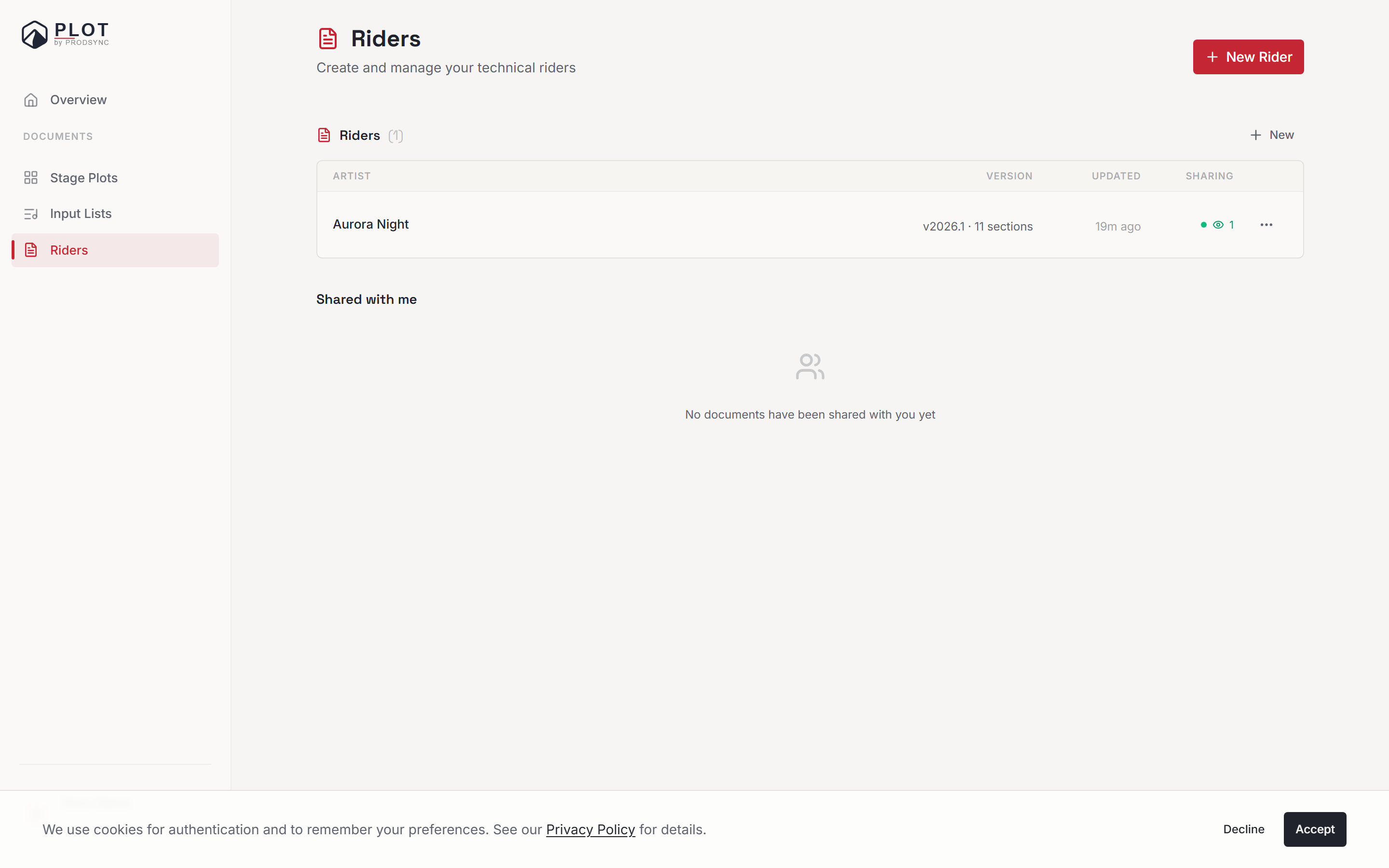
What type of rider?
Technical, Hospitality, or Both. This decides which sections you start with, and it's fixed once the rider exists — pick Both if you're not sure. Most working artists use Both: one file, one send.
How many people travel?
The number goes straight into the default text for dressing rooms, transport, hotels, and staffing, so those sections don't say "[NUMBER] people" when you first open them. Skipped for a technical-only rider.
Band, solo, or DJ?
A DJ doesn't get a Backline section unless the next question says otherwise.
Do you bring your own FOH engineer?
Either way you get a sensible paragraph in the Audio section's crew subsection: one version says you travel with an engineer and need a local tech to assist, the other asks the promoter to provide a competent local FOH engineer. Skipped for hospitality-only riders.
Do you bring a lighting tech?
If you do, the Lighting section is switched on for you.
Do you need backline?
Turns the Backline section on or off.
How many guest list spots?
Fills the number into the Guest List section. Skipped for technical-only riders.
Any dietary needs?
Free text — "2 vegetarian, 1 gluten-free" — dropped straight into Catering. Skipped for technical-only riders.
Language, then artist name
The language of the rider itself, and the name as it should appear on the cover.
In a hurry, or making your fifth rider this week? Skip to quick create at the bottom drops you to a two-field dialog: artist name and rider language.
What you get
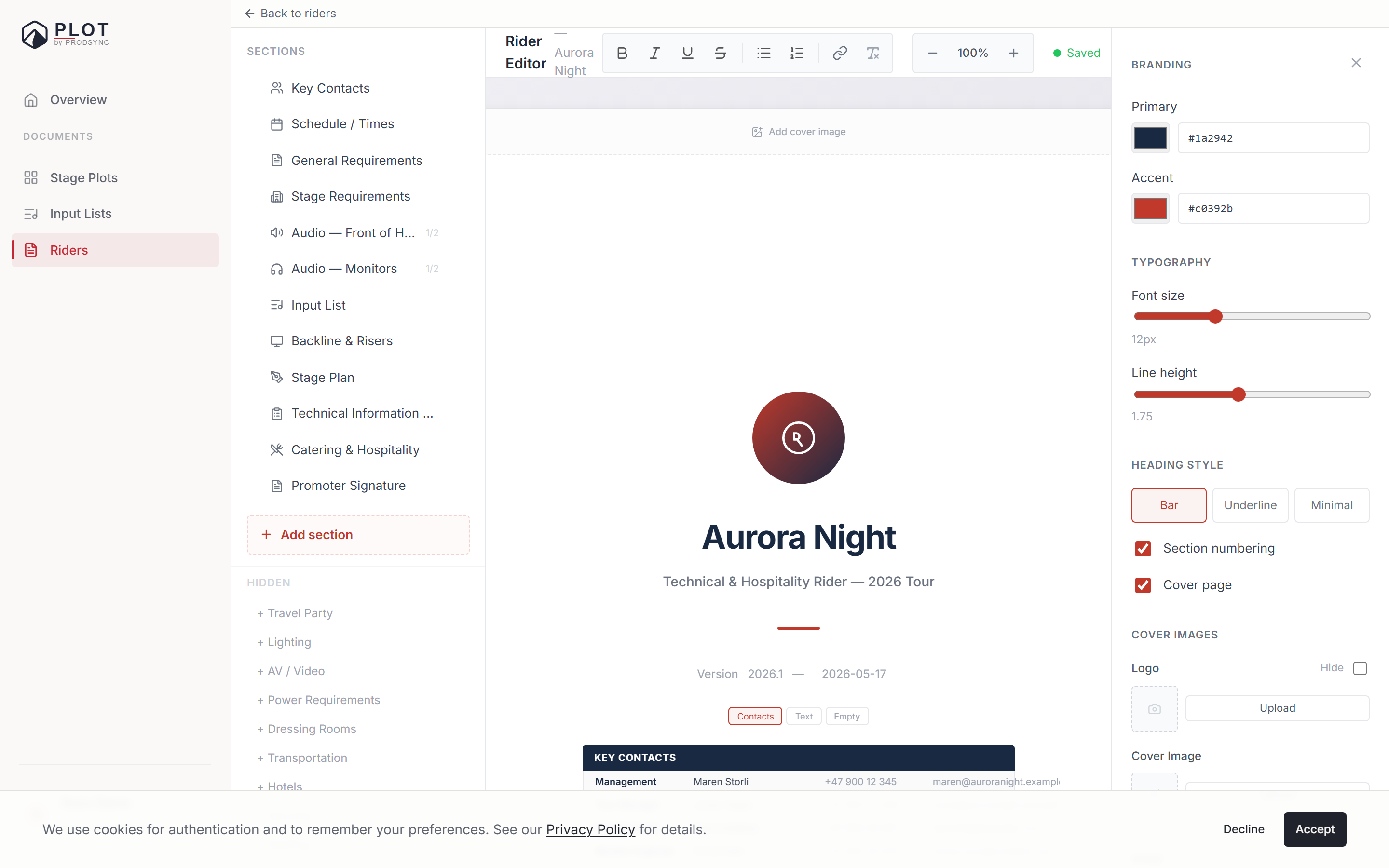
The sidebar lists the sections that are on, in order. Plot knows about thirty types — production flow (General Requirements, Schedule, Travel Party, Stage Requirements, Audio, Input List, Backline, Risers, Lighting, AV & Video, Power, Stage Plan, Tech Info Sheet), hospitality and logistics (Dressing Rooms, Catering, Transportation, Hotels, Security, Staffing, Support Act, Guest List), and the long tail (Merchandising, Photographers, Electrician, Production Office, Medical, Insurance, Sponsorship, Promoter Signature).
You won't see all of them. A Technical rider gets the technical set, Hospitality gets the hospitality set and never picks up technical sections, and Both gets a combined list. Everything else sits under Hidden at the bottom of the sidebar, one click from being switched on.
Sections aren't empty either — most arrive with default wording that reads like a real rider, which you edit rather than invent.
A reasonable first pass
Don't try to fill everything. For a first rider, aim at:
- Schedule — load-in, soundcheck, doors, set, load-out
- Stage Requirements — stage size, power, people on stage
- Audio — FOH, monitors, and the crew subsection the wizard already drafted for you
- Input List — a row per input with mic or DI type
- Backline — what the venue provides versus what you bring
- Dressing Rooms and Catering — if you picked Hospitality or Both
Skip the rest until you have something real to put in it.
What's next
Once the rider exists, the real work is filling the sections in. Head to Writing and organizing sections for how the editor actually works.