

Getting started
Creating your account
Sign up, verify your email, and land on your dashboard.
Getting started with Plot takes about a minute. You need an email address you can open, and either a password or a Google account. That's it.
Plot is free, and accounts are free forever. There's no trial, no credit card, and no "upgrade to unlock" screen waiting for you later.
Signing up
Head to /plot/register. You have two ways in:
- Continue with Google — one click, no password to remember.
- Email and password — first name, last name, email, and a password.
Pick an email you actually check. It's how you'll log back in, it's where the verification link goes, and it's the address collaborators will use when they invite you to something.
Enter your name and email
Your name shows up next to your edits when you work with other people, so use the one your crew would recognise.
Choose a password
At least 8 characters. A strength meter under the field moves from Weak to Strong as you type — it's advice, not a gate, but a Weak password on a document your whole tour depends on is a bad trade. The eye icon reveals what you've typed if you want to check it.
Accept the terms
You have to tick the box agreeing to the Terms of Service and Privacy Policy. There's a second, optional tickbox for occasional product news — leave it off and you'll still get everything about your account and your shared documents.
Hit Create account
You'll land on a "verify your email" screen right away.
Verifying your email
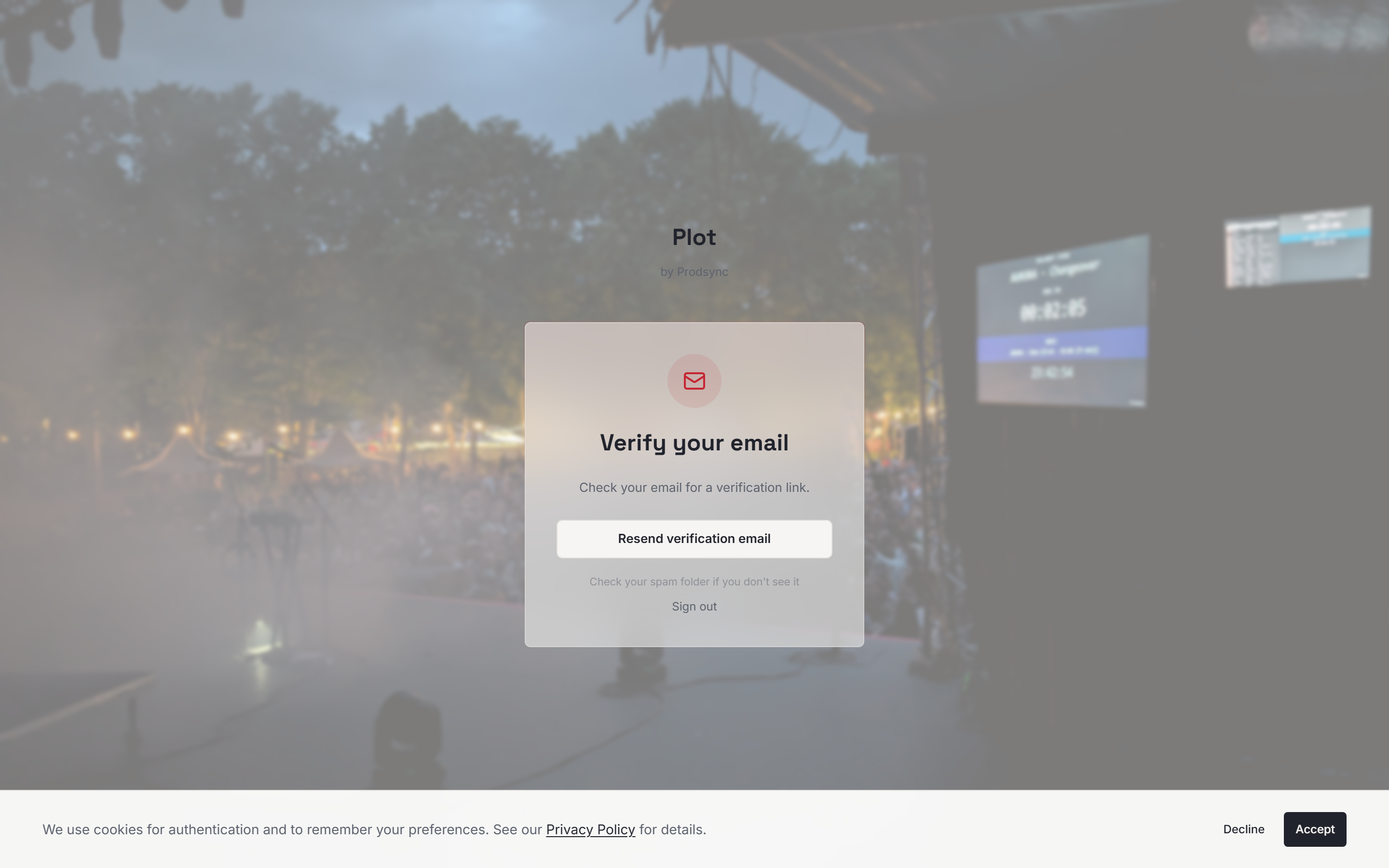
This step isn't optional and it isn't cosmetic. Until you've clicked the link, the server won't let the app create documents or load your dashboard — if you try, Plot sends you back to the verification screen rather than showing you an empty page.
Open your inbox, click the link, and you're returned to the app ready to work. If the email hasn't arrived, use Resend verification email on that same screen, and check your spam folder while you wait.
Your first look at the dashboard
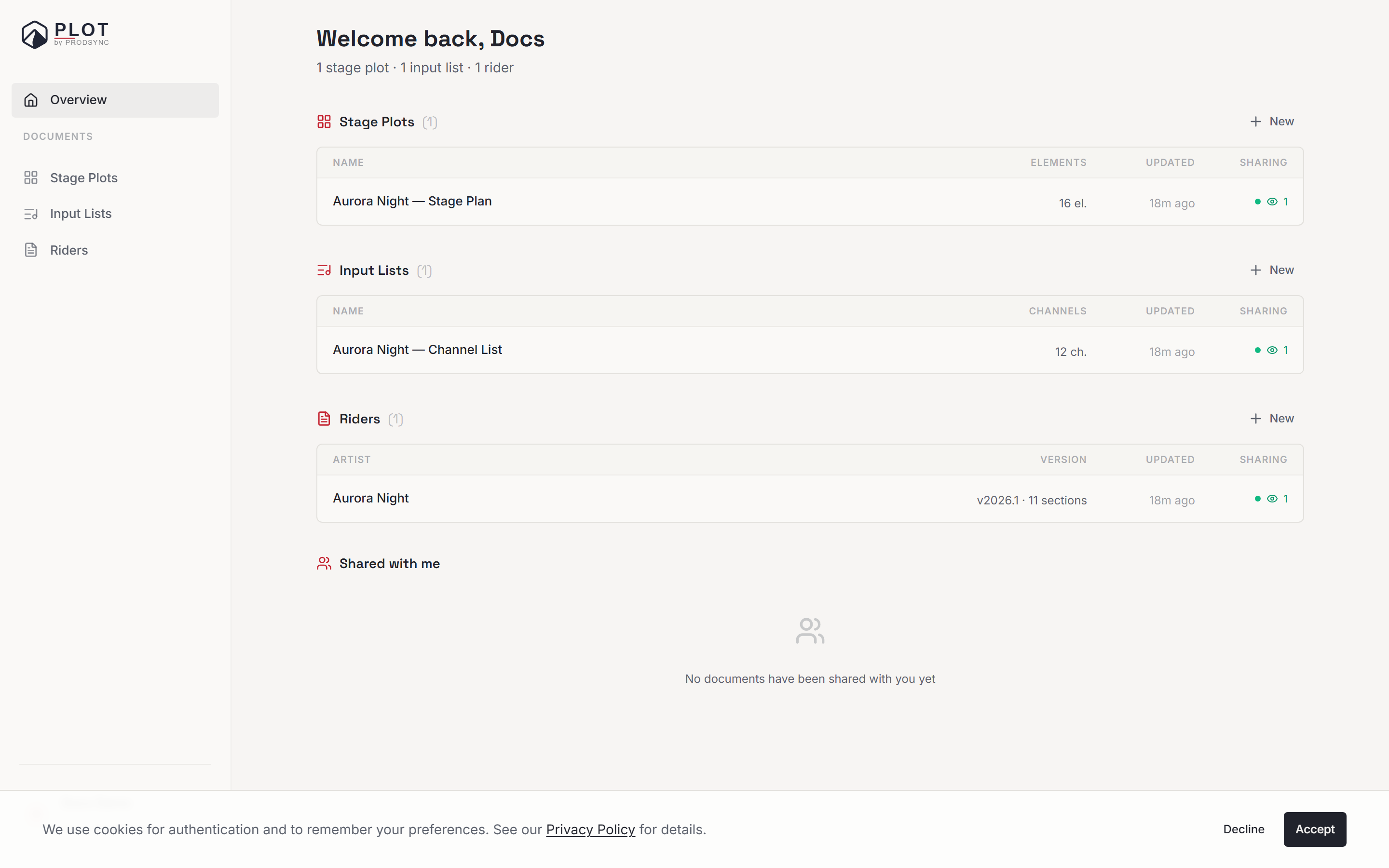
The first time you land on the dashboard, it's mostly empty — and that's the point. You'll see three groups, Riders, Stage Plots and Input Lists, each with a link to create your first one. Pick whichever you need first. You can always come back and make the others.
Forgot your password?
On the login screen there's a Forgot password? link. Enter the email you signed up with and you'll get a reset link from Plot, on Plot's own pages — not a generic third-party form. Click it, choose a new password (again, at least 8 characters), and you're sent back to sign in. Your documents stay exactly where you left them.
Reset links are single-use and expire. If you click an old one, you'll get a clear message and a button to request a fresh link.
Changing things later
Everything about your account lives under Settings in the sidebar:
- Change email — Plot confirms it's really you first (your current password, or a Google prompt if that's how you signed in), then sends a verification link to the new address. The change takes effect once you click it.
- Change password — same confirmation step, then your new password, twice.
- Add email & password sign-in — if you signed up with Google and later want a password as well, you can set one here.
- Language — switches the Plot interface between English and Norwegian. This is separate from the language a rider is written in.
If you ever want to leave
Under Settings → Danger zone you can download all your data as a ZIP — profile, stage plots, riders, and input lists — or delete your account. Deleting asks you to type DELETE first, and it's permanent: documents, shared links, everything.
What's next
Now that your account is live, the next step is making something. Start with the three documents Plot creates to figure out which one you need first.