

Riders
Polishing text with AI
Turn rough notes into professional rider language with one click.
Writing in "rider language" is a small skill. Sentences are short, lists are tight, and everything reads formally enough that a venue takes it seriously. If that style doesn't come naturally, AI Refine gets you there in one click.
How it works
Every text section — and every subsection — has an AI Refine button. Write rough notes in whatever words come out of your head, click it, and Plot sends that text to be rewritten in rider style.
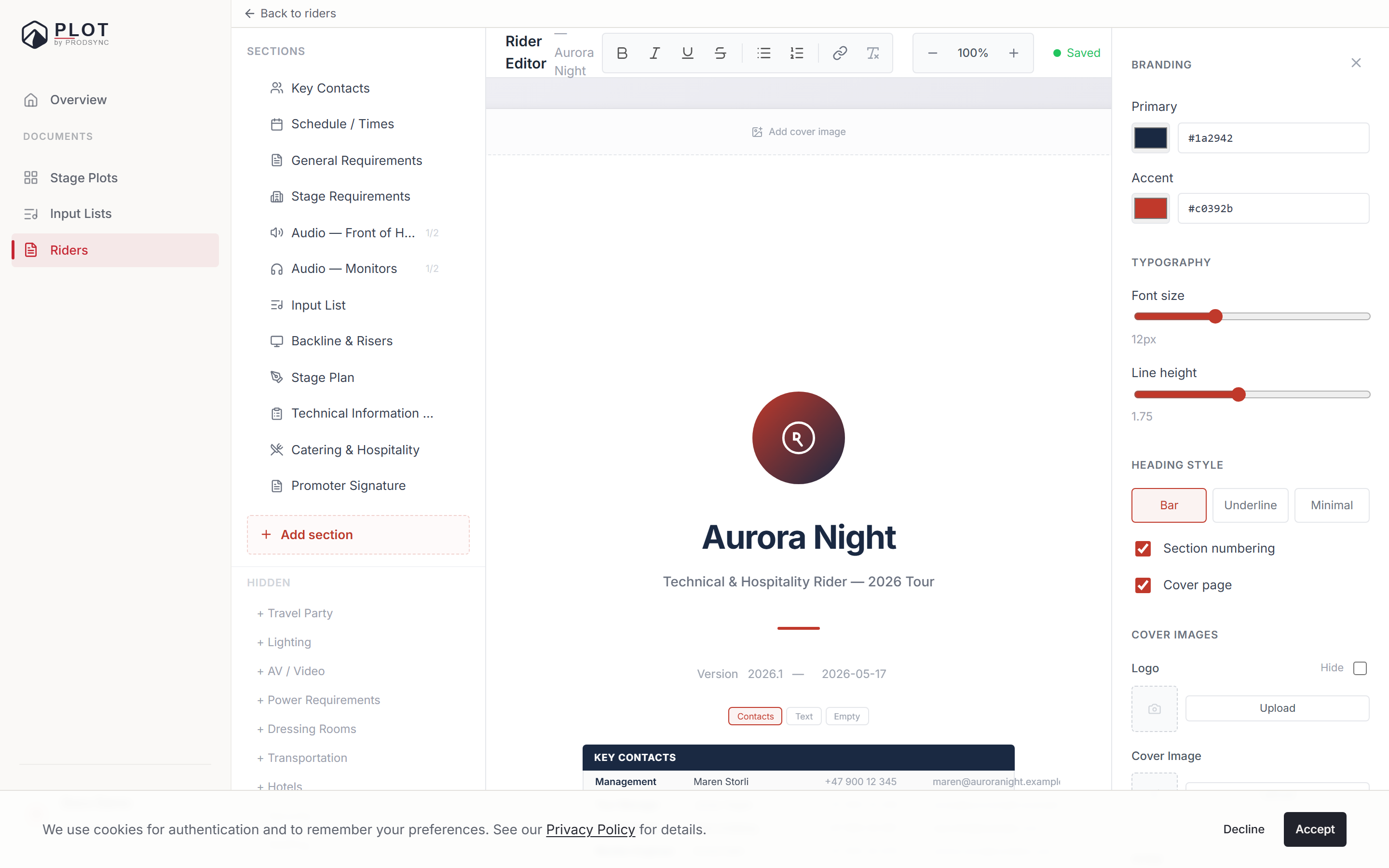
What comes back is shown as a suggestion, not applied: a panel headed AI suggestion — review before applying, with your Original next to the Suggestion, and two buttons, Accept and Discard.
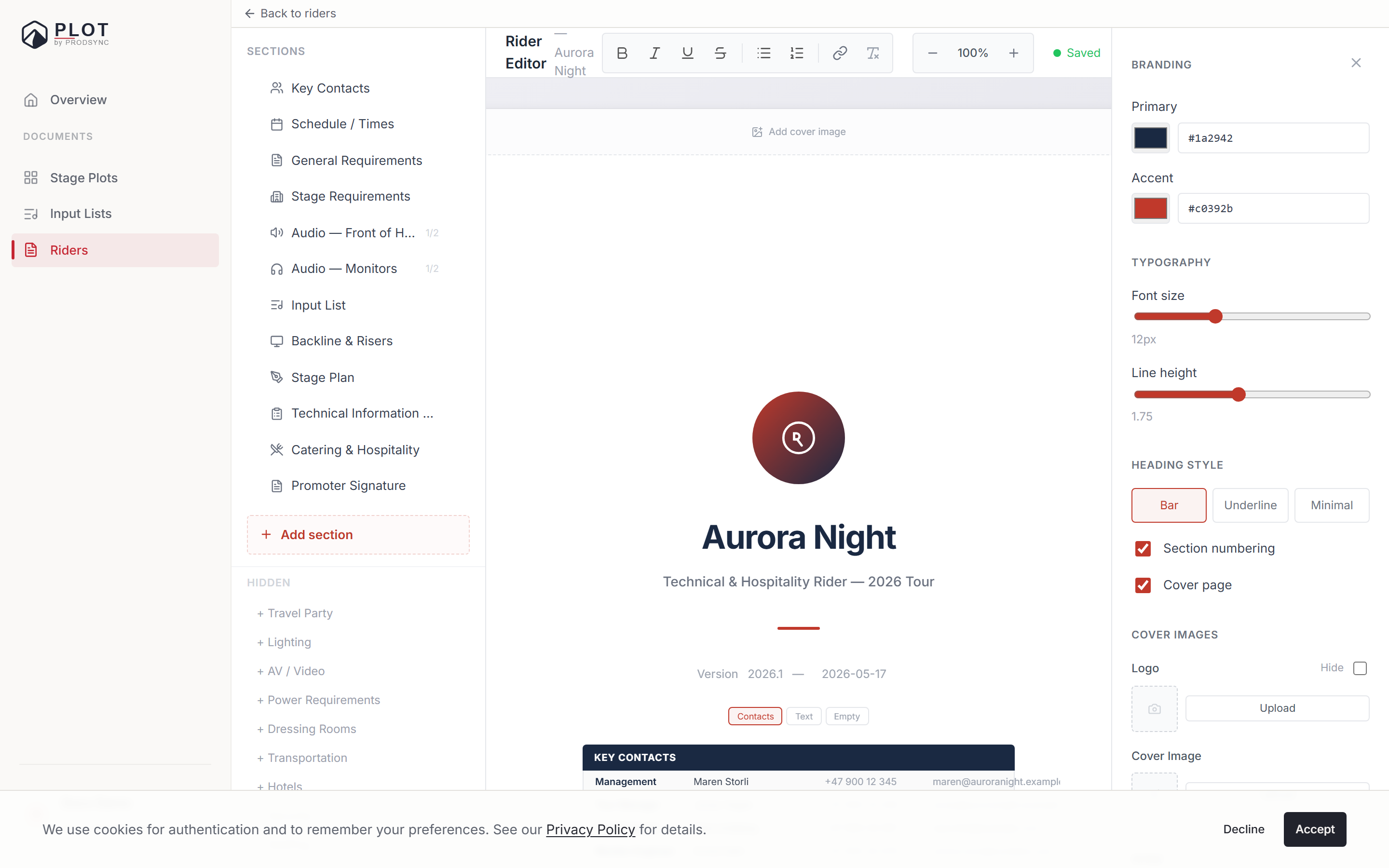
Nothing is sent until you click the button, and nothing is written into the rider until you accept. Click Refine on an empty section and Plot just tells you to write something first.
What it's told to do
The instructions behind the button are deliberately narrow. It's a refiner, not an author:
- Keep the language of the rider. If the rider is Norwegian, the result is Norwegian, even if you wrote your notes in English.
- Keep every specific. Quantities, model numbers, dimensions, brand names all survive.
- Don't add requirements you didn't write. If you didn't mention a sub, you don't get a sub.
- Don't change how firmly you asked. "Would like" doesn't become "requires", and "requires" doesn't get softened. It edits the wording, not the level of demand.
- Describe the thing, don't posture. "A barrier shall be placed in front of the stage" rather than "The Artist requires a barrier." Firmness belongs in the sentence about the requirement, not in framing you as difficult.
- Keep the same level of detail. It expands phrasing, not scope.
A realistic example
Here's what "rough" can look like:
need 4 wedges plus 2 spare, drummer needs a sub, no IEMs, we run stage volume low
After a refine pass, you might get:
Monitoring
- 4 × stage wedges (plus 2 spare)
- 1 × drum subwoofer at the drummer's position
- No IEM system required
- Stage volume is kept low throughout the show
Same information, venue-ready.
When to use it
First-draft sections
When you know what you want but don't want to think about wording. Dump notes, refine, done.
Inherited messy text
After a PDF import, some sections come through rough. Refine cleans them up without losing detail.
One subsection at a time
Refine works per subsection too, so you can fix the monitor paragraph without touching the FOH one.
What it's not good at
- Inventing facts you didn't give it — by design.
- Unusual brand names and one-off gear. Check those came through intact.
- Tables and structured blocks. Refine is for rich text; use the checklist or contacts blocks where structure matters.
A healthy workflow
Think of Refine as a writing assistant, not an author:
- Type what you need in plain words.
- Click AI Refine.
- Read the suggestion. Does it still say what you meant?
- Accept, or discard and try again with better notes.
If you disagree with a suggestion, discard it. The AI is proposing, not deciding.
What's next
Once your text is in good shape, it's time to make the document look like yours. See Branding and exporting to PDF.