

Riders
Sharing and sending your rider
Send a link, email the PDF, or revoke access when you need to.
You've written the rider. Now to get it to a venue. Plot gives you two ways: a public link you paste wherever you like, and a direct email send from inside the app. Both can be turned off when the run is over.
The public link
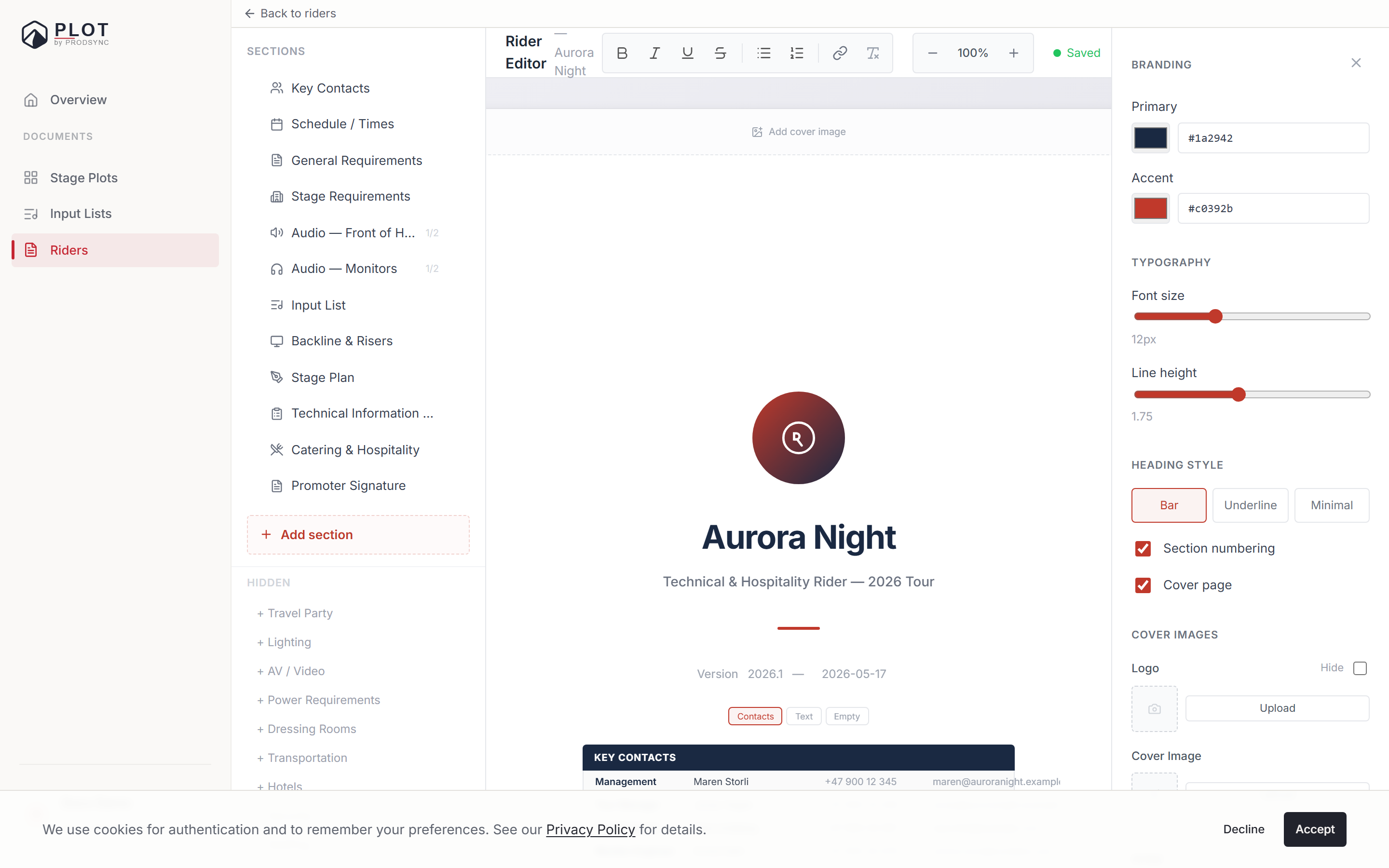
Open Share
Click Share in the rider editor's toolbar.
Turn on Public link
Plot generates a URL like
/plot/riders/pr-xxxxxxxx. Anyone with it can read the rider; nobody needs an account.Copy and send
Paste it into an email, a WhatsApp thread, a booking portal — wherever the venue expects it.
Turn it off when the run ends
The link stops working immediately, and anyone who opens it sees "This link is no longer available".
The stage plot and input list come along
This is the part worth knowing. A rider usually embeds a stage plot and an input list, and Plot treats those as part of the package:
- On a public link, the linked stage plot and input list are shown inside the shared rider page, whether or not you've made them public on their own. One link really does tell the whole story.
- When you invite a collaborator, they get the same access to the linked documents that you gave them on the rider. The share panel lists exactly what's included before you send, under "Shared with the same access as this rider", and the invite confirmation repeats it as "Also got access to".
There's one limit, and the panel is explicit about it: Plot can only pass on access to documents you own. If your rider embeds an input list that belongs to your FOH engineer, it's listed under "You don't own these — recipients won't get access automatically". Ask the owner to share it, or copy it into your own account first.
Sending by email from Plot
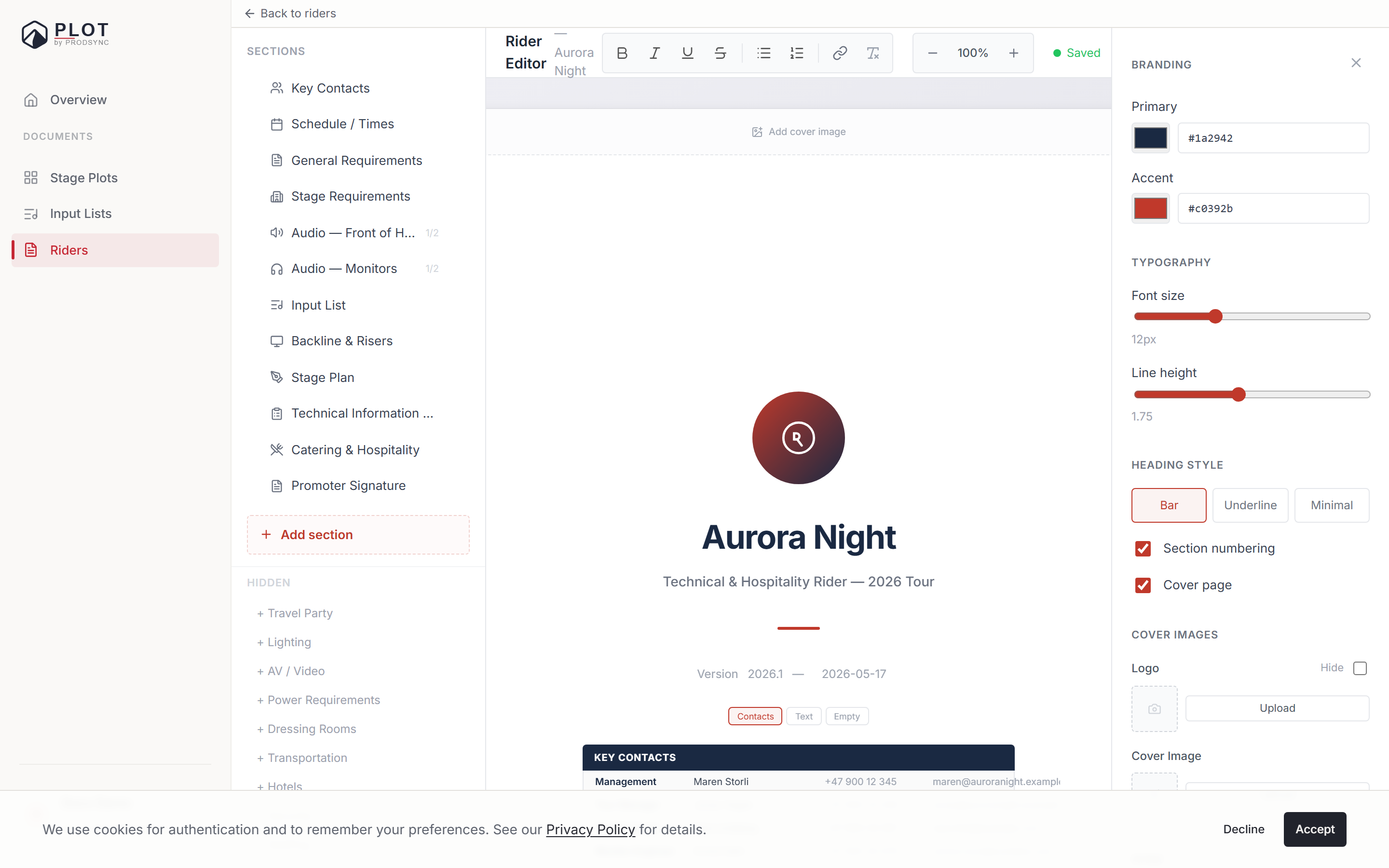
Send opens a dialog for one or more recipient addresses, separated by commas, and an optional personal message — "Hey, here's our rider for the Oslo show on 28 April" goes a long way.
What the recipients get depends on whether the rider is public:
- Public rider — an email with the link to view it online. This is the one you want.
- Private rider — an email with the rider's details (artist, version, your message, and the list of sections), but no link and no attachment. If you want them to actually read the document, turn the public link on first, or use the PDF.
What recipients see
A read-only version of your rider — same sections, same branding, same page layout — with a Download PDF button at the top for anyone who wants an offline copy. They can also print the page directly, and it comes out identical to the PDF. No login, no friction.
Revoking access
Turn the public toggle off and the link dies immediately for everyone. Turn it back on and the same URL resumes. To remove a specific person instead, open the share panel and remove them from the collaborator list — their access ends on their next refresh.
A simple sharing habit
Keep a rider private by default
Don't turn it public until you actually need to share it.
Check the cascade list before inviting
Two seconds of reading tells you whether your stage plot is really going with the rider.
Revoke when the run ends
Old riders don't need to sit on the open web.
What's next
That's the full rider workflow. If you haven't built the documents it links to yet, start with creating an input list.