

Sharing & collaboration
How public links work
What recipients see, what they can do, and how to revoke access.
A public link is the simplest way to show a document to someone outside Plot. It's a URL you turn on for a specific stage plot, rider, or input list. Anyone with it can open and read it. No login, no account, no install.
Public link vs. collaborator
A collaborator is a specific person you invited by email; they log in and may be able to edit. A public link is just a URL — whoever holds it can read the page and nothing else.
You can use both on the same document. Most people end up with a public link for the venue and the FOH engineer, plus a couple of collaborators — bandmates, manager, tech — with edit rights.
Turning a public link on
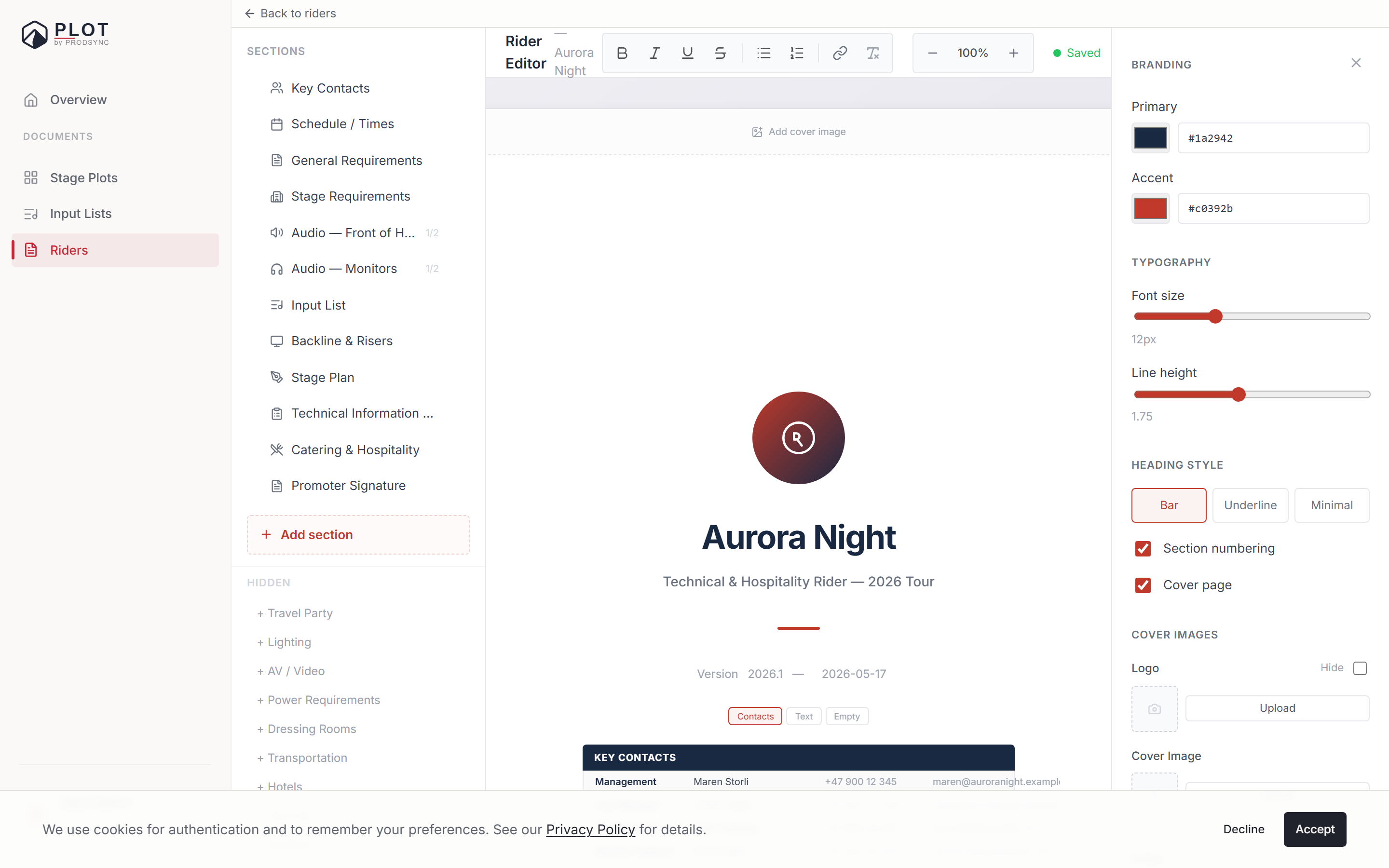
Open Share in any editor and flip Public link on. A URL appears — copy it and send it however you like. The address depends on the document type:
| Document | Link |
|---|---|
| Stage plot | /plot/stageplots/gr-xxxxxxxx |
| Rider | /plot/riders/pr-xxxxxxxx |
| Input list | /plot/input-lists/il-xxxxxxxx |
Nothing else is exposed. Your dashboard, your other documents, your account details — none of it is reachable from the link.
What recipients see
A clean, read-only page of that document. On a shared rider there's also a Download PDF button, and the printed page comes out identical to the on-screen one.
What they can't do:
- Edit anything.
- Comment or leave notes.
- See other documents you own.
- See who else the link was shared with.
- See your email address or account.
View count and last viewed
Once a link is on, Plot keeps a small counter: how many times it's been opened and when it was last opened. You'll see it on your dashboard, in the sharing column next to each document — a green dot with an eye and a number, and the last-viewed time on hover.
That's the whole of it. No IP addresses, no names, no location. Just a rough signal of whether the venue actually clicked the link you sent last week.
Revoking a link
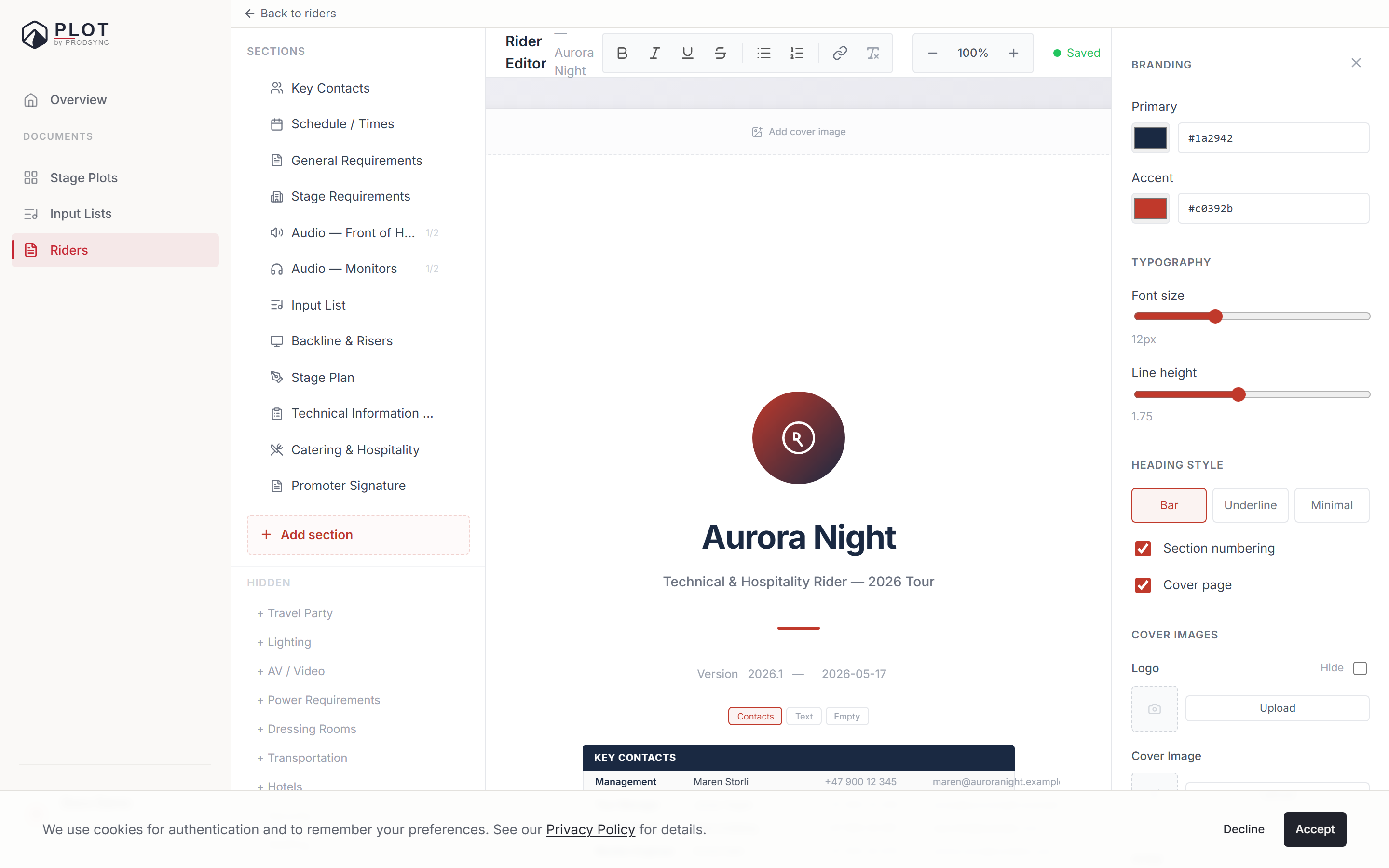
Flip the toggle off. The URL stops working right away, and anyone who opens it sees "This link is no longer available" with a note that the owner may have disabled sharing. Turn it back on and the same link resumes.
Default privacy
Documents you create are private. They become visible to someone else only when you invite a collaborator or turn on a public link. There's no hidden "discoverable" state: nothing is listed anywhere, other Plot users can't find your documents, and shared pages are excluded from search engines.
The link itself is the password — a random identifier nobody can guess their way to. Treat it the way you'd treat a Drive share link.
What's next
If you're still weighing public access against invited access, working with collaborators covers the other side of the coin.