

Riders
Importing an existing rider PDF
Upload an old rider and let AI turn it into editable sections.
Most artists already have a rider floating around somewhere — a PDF a manager made, a file from a bandmate, something from two tours ago. You don't have to retype any of it. Plot can read a rider PDF and turn it into editable sections.
Where it lives
Import happens inside a rider you've already created. Open the rider, then click Import in the top toolbar. What comes back is merged into that rider, section by section, with you choosing what to keep.
So the usual order is: create the rider (the wizard takes a minute), then import the old one into it.
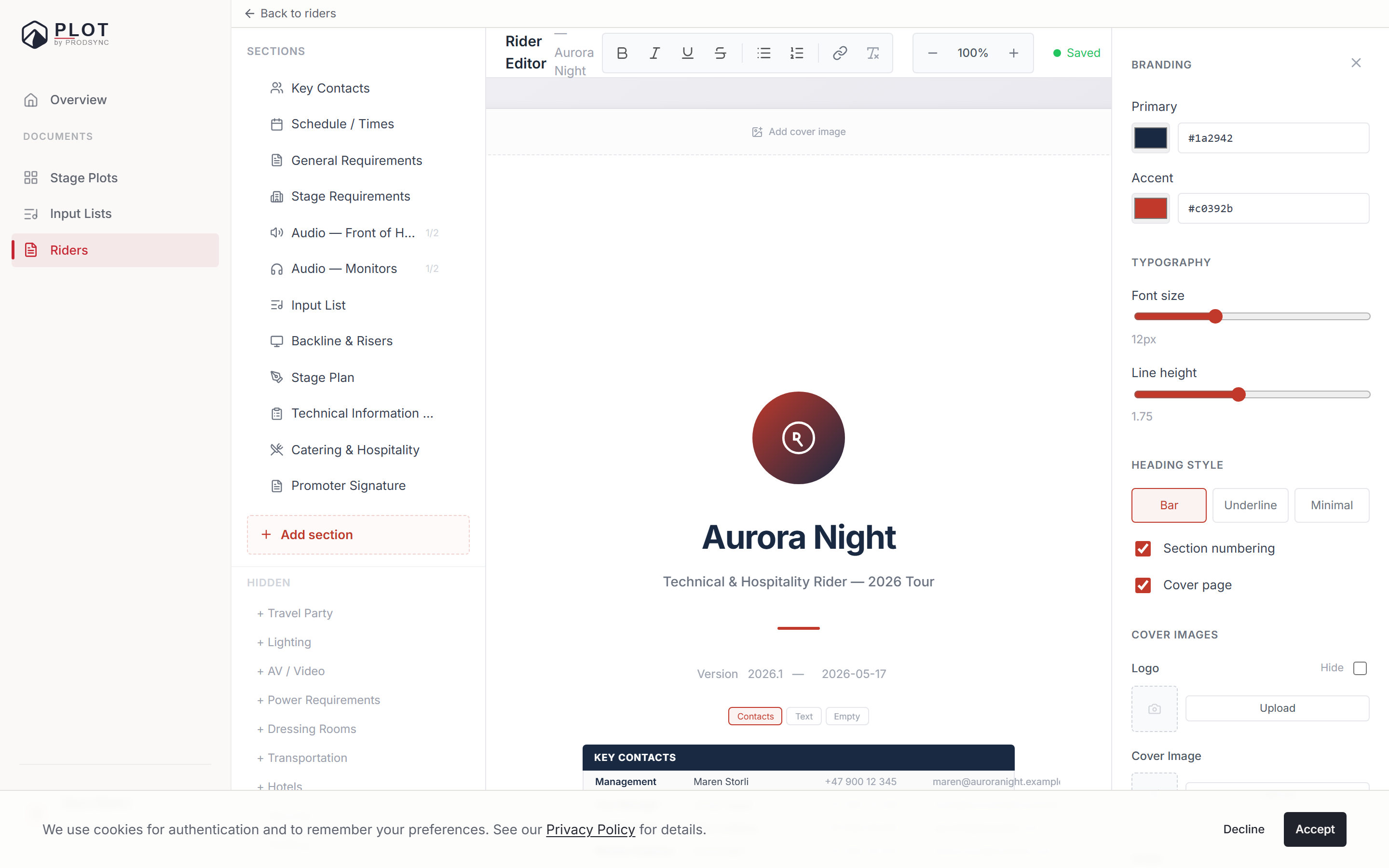
Click Import
In the rider editor's toolbar. A dialog opens with a drop zone.
Drop the PDF
PDFs only, up to 20 MB. If your rider is a stack of photos, put them in a PDF first.
Let Plot read it
Google's Gemini model reads the document and maps it onto Plot's sections. It usually takes 15–30 seconds, and the dialog tells you which step it's on — reading, analysing technical requirements, extracting the input list, mapping hospitality.
Choose what to import
You get a list of what was found, with a tick next to each section. Anything that would replace content you already have is marked Overwrites existing, so nothing is quietly destroyed. If the PDF named an artist, Plot shows that too.
Apply selected
Only the ticked sections are merged into your rider. Everything else is left alone.
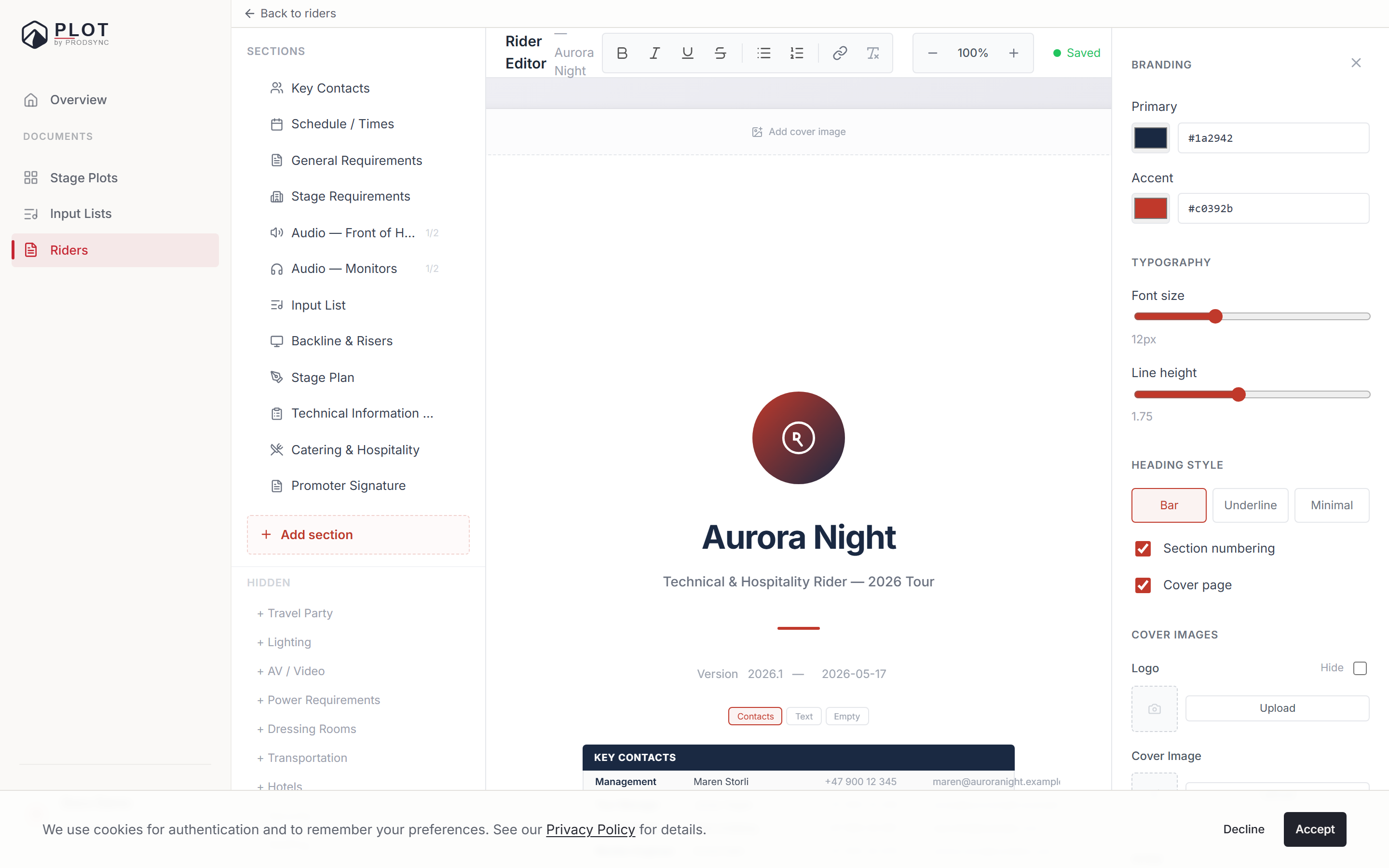
The summary is specific where it can be: how many channels came out of an input list, how many catering fields were extracted, which sections had content at all. If nothing recognisable is found, Plot says so rather than importing an empty shell.
What works well, what doesn't
Being honest about the tech: it's impressive, not magic.
Works well
- Typed PDFs out of Word, InDesign, Pages, or Google Docs.
- Clear section headers like "Audio" or "Input List".
- Normal tables — contacts, input lists, backline lists.
- Riders in English or Norwegian. The extraction keeps the original language rather than translating it, and any commentary about the extraction is shown in your interface language.
Gets noisier
- Scanned paper riders.
- Heavily designed riders where headers are tiny and the layout is clever.
- Handwritten notes in the margins — these usually don't make it.
Expect most of it to land and some of it to need your eyes. That's still a big saving over starting from scratch.
After the import
You're in the normal editor with your sections filled in. From here it's the same as any other rider — hide what you don't need, fix what looks wrong, add what got missed.
A good habit: open the Input List and Backline sections first. Those are the ones venues read most carefully, and the ones most likely to need a correction.
What's next
Once the text is roughly in place, you can polish individual sections. See Polishing text with AI.